

Launch offer · through September 14, 2026

Cinder Pro is
FREE for a very limited time.

Download Cinder and complete Apple’s $0 Cinder Pro lifetime purchase by September 14. No subscription. Once Apple grants the non-consumable entitlement, Restore Purchase can recover it on the same Apple Account.

Cinder Pro lifetime unlock

Confirm Apple shows $0 before completing the purchase. The regular U.S. price returns to $4.99 one time on September 15.

Download Cinder · App Store

Available now on the App Store · iPhone and iPad

Swipe away unwanted contacts, fast.

Built for iPhone and iPad, Cinder works with the Contacts the operating system lets it access. Review 15 unique contacts free, or unlock Cinder Pro free for a very limited time, through September 14.

  • Built for iPhone and iPad
  • Works with your Contacts
  • No Cinder account
  • No ads
  • Free to start
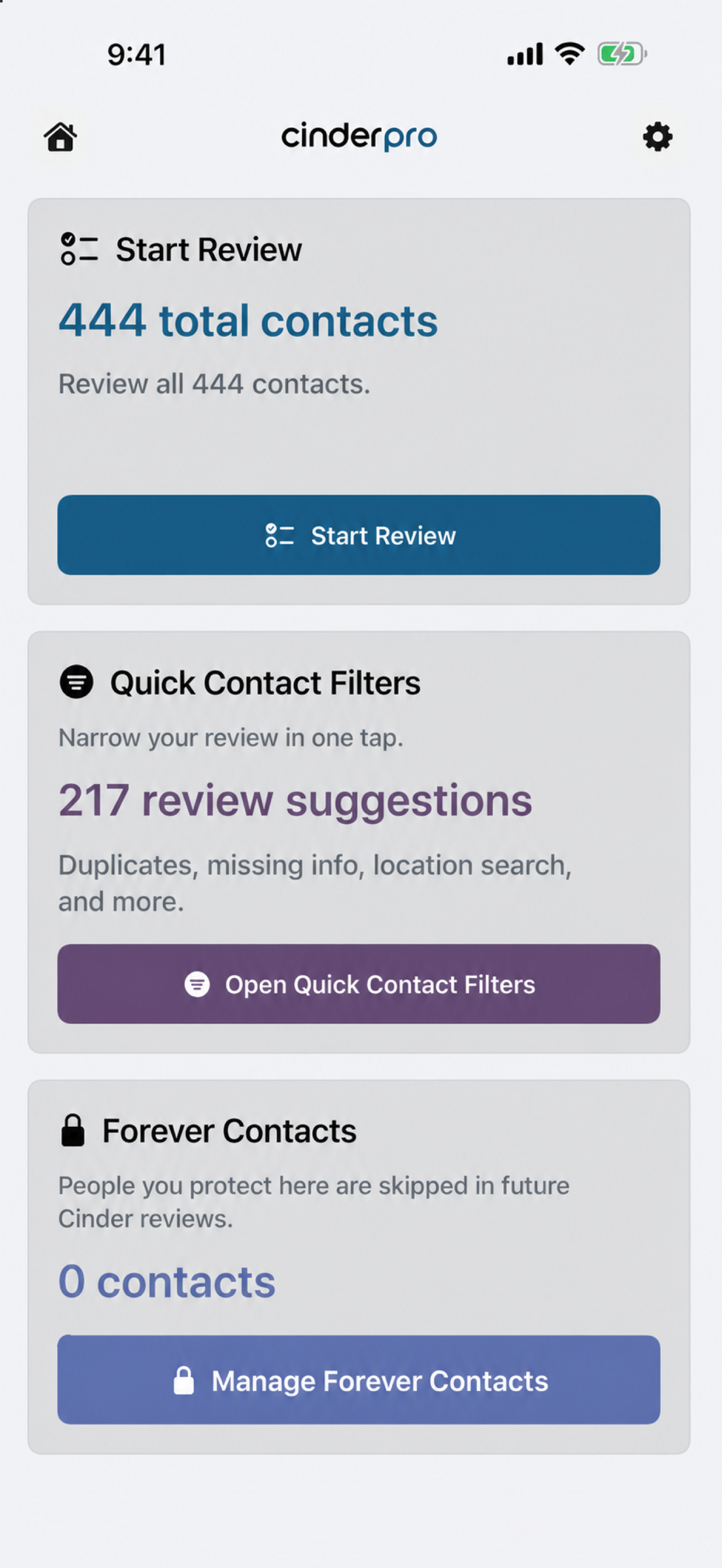
Cinder dashboard preview with 444 contacts, Start Review, Quick Contact Filters, and Forever Contacts
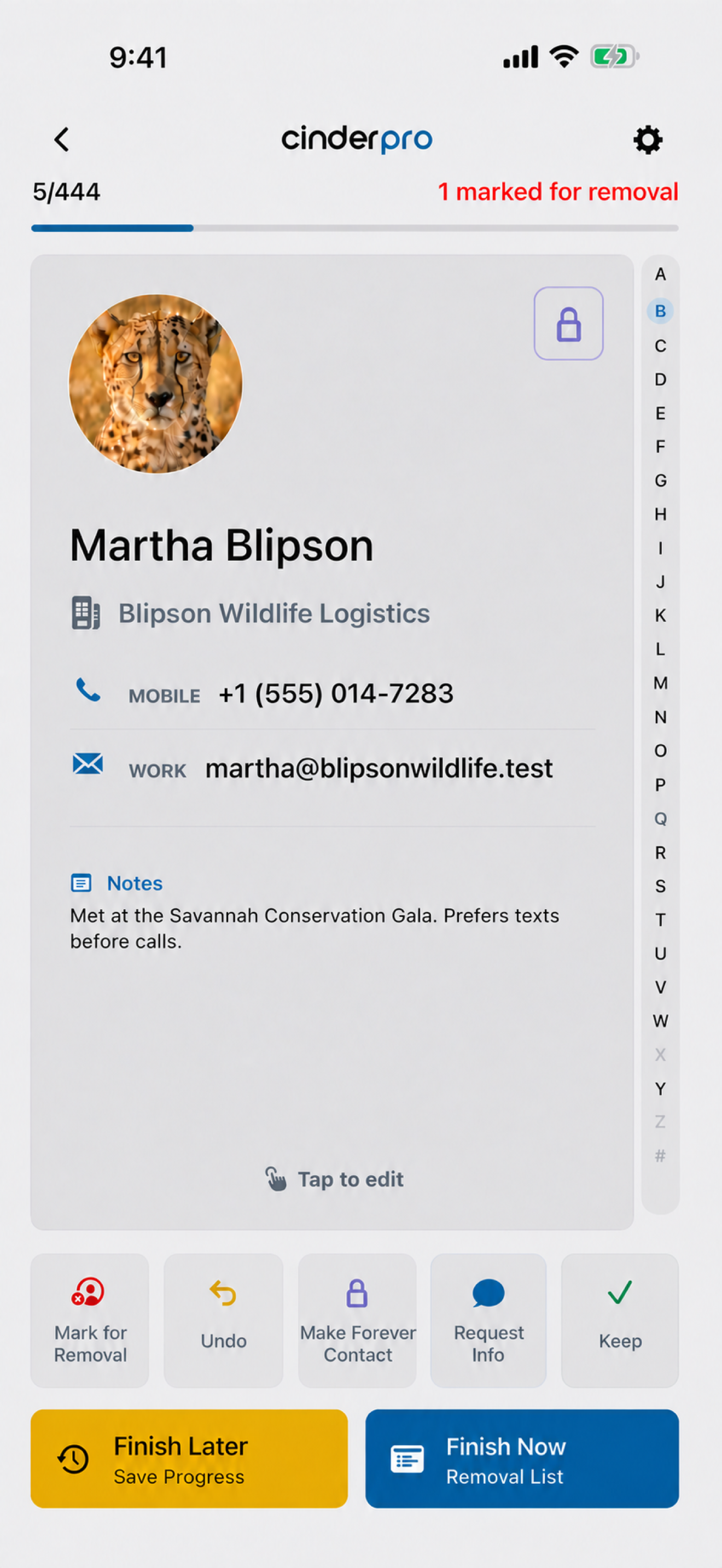
Cinder contact review preview showing Martha Blipson with Finish Later, Save Progress, Finish Now, and Removal List

Try Cinder free.
Unlock full cleanup with Pro.

Review up to 15 unique contacts free. Through September 14, Cinder Pro unlocks unlimited reviews, filters, backup and rebuild tools, and contact removal for $0 through Apple. No subscription.

Free

Try Cinder with up to 15 unique contacts. The free version is for review only and cannot delete anything.

  • Review up to 15 unique contacts
  • Keep, Mark for Removal, Make Forever Contact, Request Info, and Undo
  • Review and revise your free decisions before upgrading
  • No Cinder account or ad interface
Launch offer through September 14 FREE very limited time · lifetime unlock · no subscription

Complete the $0 purchase with Apple by September 14. Starting September 15, the regular U.S. price is $4.99 one time. Apple displays the current localized price before you confirm.

Unlock the complete cleanup and recovery toolkit. If you bought Cinder Pro before, use Restore Purchase in the app.

  • Unlimited Contact Review & Swipe
  • Quick Contact Filters, including duplicates, similar contacts, missing essentials, locations, sources, and corporate contacts
  • Private iCloud backups, selective rebuild, import, and export
  • Safe contact removal with a final review and backup step
  • No developer-owned contact database

Missing details?
Ask once.

Request Info turns an incomplete contact into an editable message you review before sending. Ask for exactly what is missing without leaving your cleanup flow.

  1. Choose the details.Current name, phone, address, email, birthday, or an updated contact card.
  2. Set the tone.Start Friendly or Professional, then edit every word.
  3. Send it your way.Continue in Messages or Mail, or copy the exact draft for another app.
Request Updated InfoEditable draft preview
Friendly
Home addressWork numberWork email
Example draft

Hey Martha, I’m updating my contacts and making sure everything is current. Would you mind sending me your current home address, work number, and work email when you get a chance? Thanks!

You stay in control. Cinder cannot read the reply or update Contacts for you.

Your address book,
back under control.

Review contacts Cinder can access that are not protected as Forever Contacts, or open a focused filter.

01

Review the whole list

Keep, Mark for Removal, Make Forever Contact, Request Info, or undo the latest supported action. Nothing is deleted while you review.

Cinder contact review preview showing Martha Blipson with Finish Later, Save Progress, Finish Now, and Removal List
Contact review
02

Find the messy parts

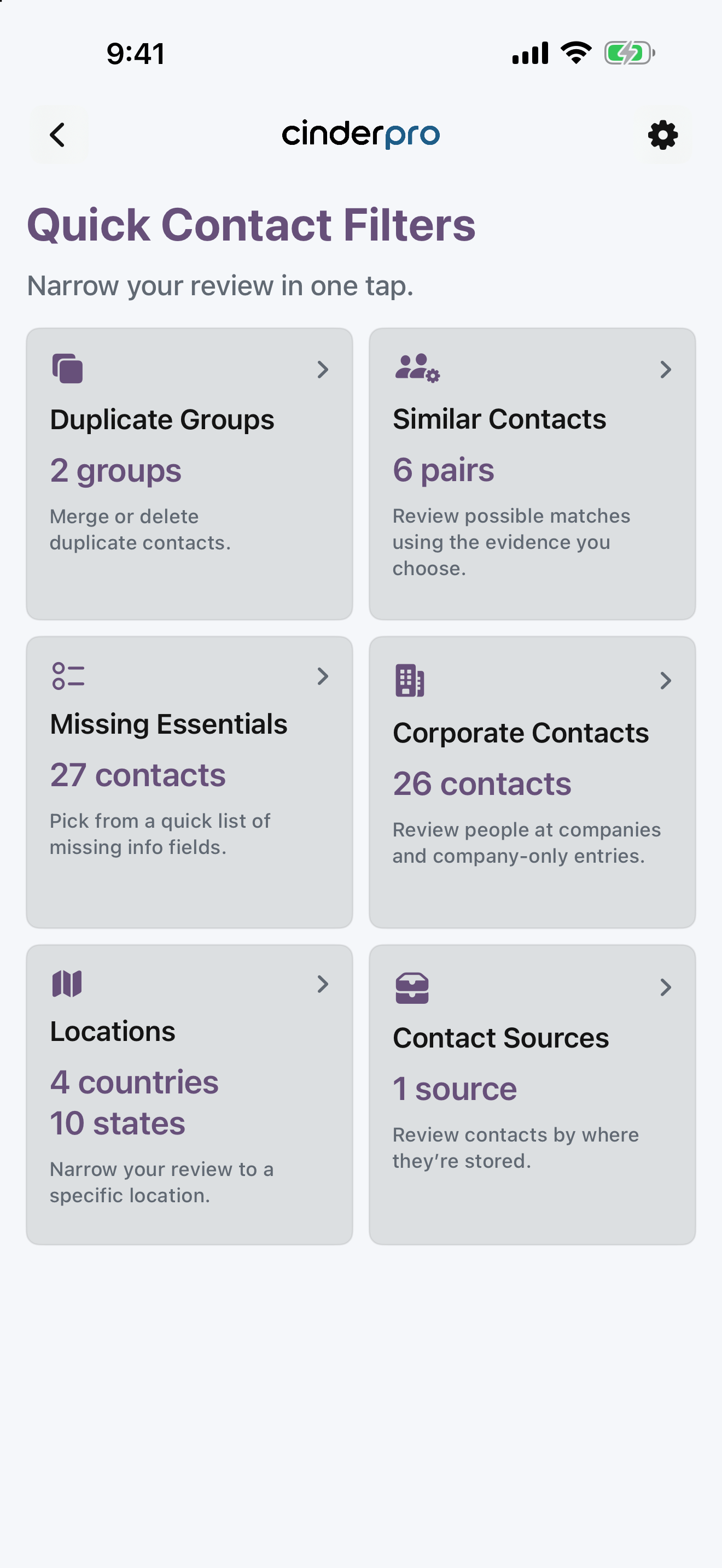
Open Quick Contact Filters for duplicate groups, similar contacts, missing details, locations, sources, and company contacts.

Cinder Quick Contact Filters showing duplicates, similar contacts, missing essentials, corporate contacts, locations, and contact sources
Quick Contact Filters
03

Protect your people

Forever Contacts stay out of future cleanup reviews, protecting the people you never want to remove. The Forever Recovery Vault keeps a private, verified iCloud snapshot available when you need it.

Cinder Forever Contacts manager
Forever Contacts
04

Backup before cleanup

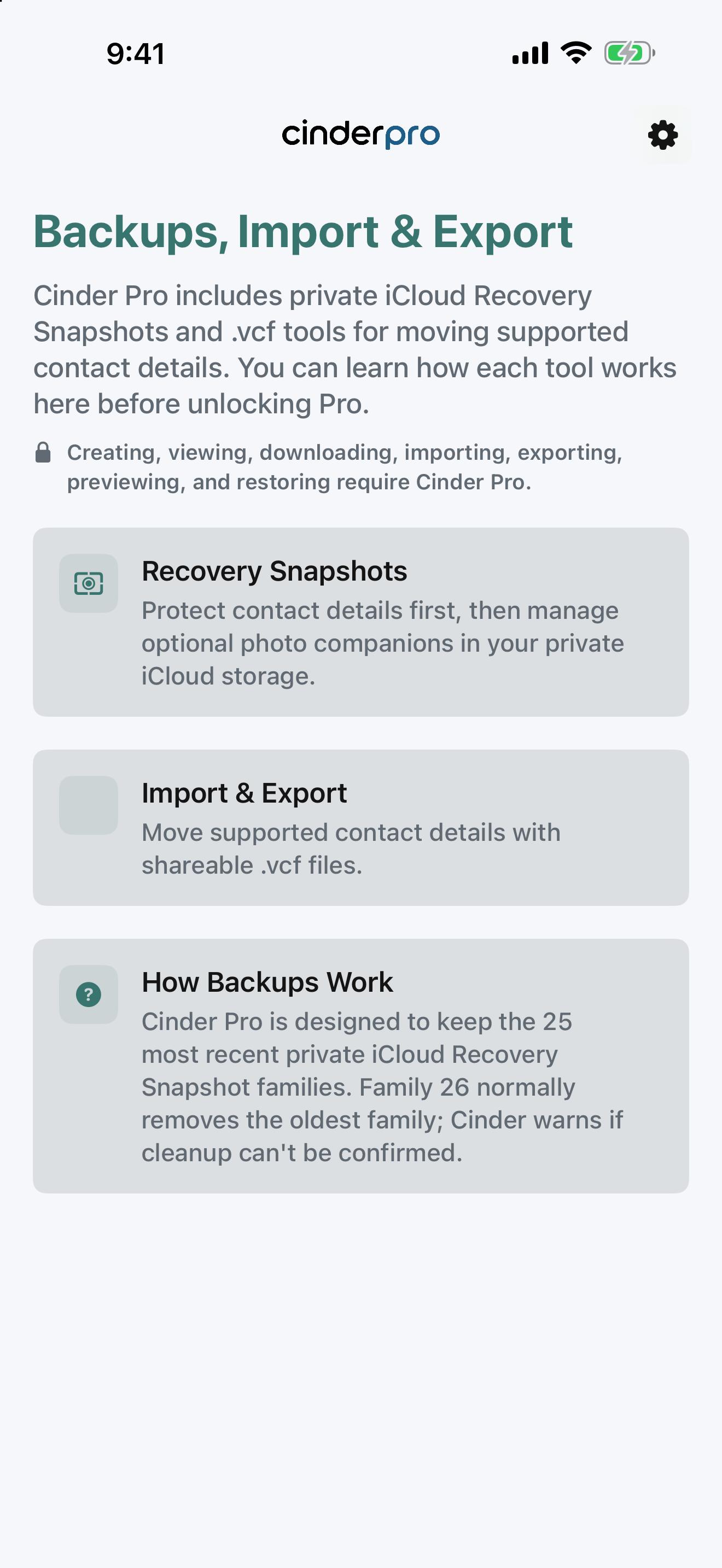
When you tap Backup & Delete, Cinder verifies a Contacts Only Recovery Snapshot containing the contacts finally confirmed for removal before requesting deletion. You can explicitly rely on another current backup you have verified instead.

Cinder Backups, Import and Export screen with Recovery Snapshots, Import and Export, and How Backups Work
Backup & rebuild

Review. Confirm.
Then walk away.

Nothing is deleted during review. You can undo the latest supported review action and remove contacts from the Removal List before final deletion.

01

Review

Nothing is deleted while you swipe.

02

Confirm

See every contact marked for removal.

03

Backup & Delete

Tap the red Backup & Delete button only when ready. Cinder verifies the removal-set snapshot, then proceeds without another confirmation; an explicit own-backup path is also available.

Private by design.

User-initiated

Cinder does not run scheduled, automatic, recurring, or monthly backup jobs or act on contacts in the background. Snapshot, contact-photo, rebuild, removal, and deletion actions require your in-app approval.

Private iCloud

Ordinary Recovery Snapshot families, separate Forever Recovery Snapshots, and portable Cinder state use your private iCloud storage.

No ads or Cinder account

Cinder has no ad network, ad interface, Cinder account, or developer-owned contact database.

Download Cinder now

Cinder is
available now.

Cinder Pro is free through September 14. Eligible verified App Store preorders also retain their promised free Pro unlock.

Download Cinder · App Store

Download Cinder on the App Store. Start with 15 unique contact reviews free, or complete Apple’s $0 Cinder Pro lifetime purchase by September 14. The regular U.S. $4.99 one-time price returns September 15.